
How to Create Accessible Digital Products Using AI (5 Simple Ways)
Contents
Most of us don’t think about creating accessible digital products. Not because we don’t care, but because we’re already overwhelmed with everything else we’re learning as we build our first digital products.
But when your digital products aren’t accessible, you’re unintentionally locking out people who want to learn from you and buy from you. People who use screen readers. People with vision challenges or color blindness. People who are deaf or hard of hearing. People with ADHD or dyslexia who need clearer, simpler language.
The good news is creating accessible digital products doesn’t require a tech degree or a big budget. AI tools can help you make meaningful improvements without hiring an accessibility expert. And these improvements make your products easier to use for everyone, not just people with disabilities.

Accessible Digital Products Help You Reach More Buyers
When you create accessible digital products, you’ll be significantly expanding your potential audience!. People with different abilities, devices, and learning needs can all benefit from what you’re teaching.
Accessible digital products are easier to understand for everyone. They often perform better in search engines. They build trust with your audience. And honestly, they can even feel more “professional.”
You don’t need to master complicated technical standards. Just focus on a few simple foundations:
- Clear structure means using headings, bullet points, and short paragraphs so your content is easy to scan. This helps screen readers work properly and helps all of us find information faster.
- Good color contrast means your text stands out clearly from the background. Those pretty pastel designs that look gorgeous on Instagram are often impossible for people with low vision or small screens to read (take it from someone who has to do all of her work on a large computer monitor).
- Text alternatives means providing captions for videos, transcripts for audio, and descriptions for images (known as “alt text”). People who can’t see or hear your content still deserve to get the information.
- Keyboard-friendly experiences means people can navigate your website or course platform without needing a mouse. Although this might not be something you can personally control, you can make sure you choose a platform that does have this feature. Or you can find out how people can use keyboard shortcuts, and make that available for your customers.
Once you have these basics in place, AI tools can help you check for accesibility problems and fix them faster. Here are some ways you can easily use AI to create accessible digital products.
Way 1: Add Captions and Transcripts to Your Videos
If you’re recording videos, webinars, or podcast episodes, captions and transcripts are essential for accessible digital products. They help people who are deaf or hard of hearing, people watching in noisy coffee shops or quiet libraries, and learners who prefer reading or want to skim through content quickly.
AI tools can automatically generate captions for your videos and transcripts for your audio. You can then turn those transcripts into blog posts, downloadable notes, or searchable text inside your course or product.
You’ll still need to review and fix important terms, names, and any AI mistakes. But that takes minutes instead of hours of manual typing.
Way 2: Write Better Image Descriptions (Alt Text)
Alt text is a short description that explains what an image shows. Screen readers read it aloud so people who can’t see the image still understand what’s there.
AI can analyze your images and generate first-draft descriptions, which is especially helpful when you have dozens of images in your slide decks, PDFs, and course content.
Edit what AI gives you so it reflects the purpose of the image in your specific context. “Screenshot of a sales dashboard showing a 45% revenue increase” is more useful than “A computer screen.”
Way 3: Make Your Writing Clearer and Easier to Read
Dense, complex writing exhausts everyone. Clear, plain language makes your accessible digital products work better for all your readers.
Paste your sales page, lesson script, or workbook text into an AI tool and ask it to simplify the language, break up long sentences and paragraphs, and add headings and bullet points for better structure.
Make sure the simplified version is still accurate, sounds like you, and doesn’t over-promise results. AI can make writing clearer, but you’re still the expert on your content and your brand voice.
Way 4: Check Your Color Choices
Light, pretty designs are often hard for people with low vision or on smaller screens. Poor color contrast is one of the most common problems in digital products that haven’t been formatted for accessibility.
Use color-contrast checker tools to scan your products for hard-to-read text and get suggestions for more accessible color combinations that still match your brand.
Then apply the changes in Canva or your editing tool. But always do a visual check to make sure everything still feels like you.
Way 5: Scan Your Pages for Accessibility Issues
If you have a website, online course, or membership site, automated scanning tools can “crawl” your page flag common issues so you know where to focus your time.
Run checks on your homepage, main sales pages, and if possible, your lesson pages if you’re using a course platform, and your downloadable resources. These tools highlight missing image descriptions, heading problems, contrast issues, and more.
Start by fixing the most impactful issues first – like your primary sales pages and core course modules.
Building Accessible Digital Products Into Your Workflow
Accessibility isn’t a one-time project you finish and forget. It’s an ongoing part of creating quality digital products. But you don’t have to fix everything at once.
Start here:
- Add AI-generated captions or transcripts to your next video, then quickly edit them for accuracy.
- Run a readability and color-contrast check on your main sales page, PDFs and other documents.
- Make AI-assisted image descriptions part of your normal workflow whenever you upload new images to your website or sales pages
Each small improvement you make (like better captions, clearer text, stronger contrast, more thoughtful structure) makes your content easier to use for everyone in your audience.. Over time, these habits give you accessible digital products that are more inclusive, more professional, and more effective at reaching the people you want to serve.
You’re not trying to be perfect. You’re just making sure your content and expertise can reach everyone who needs it.
YOUR NEXT STEP: GET THE AI PROMPTS THAT WORK
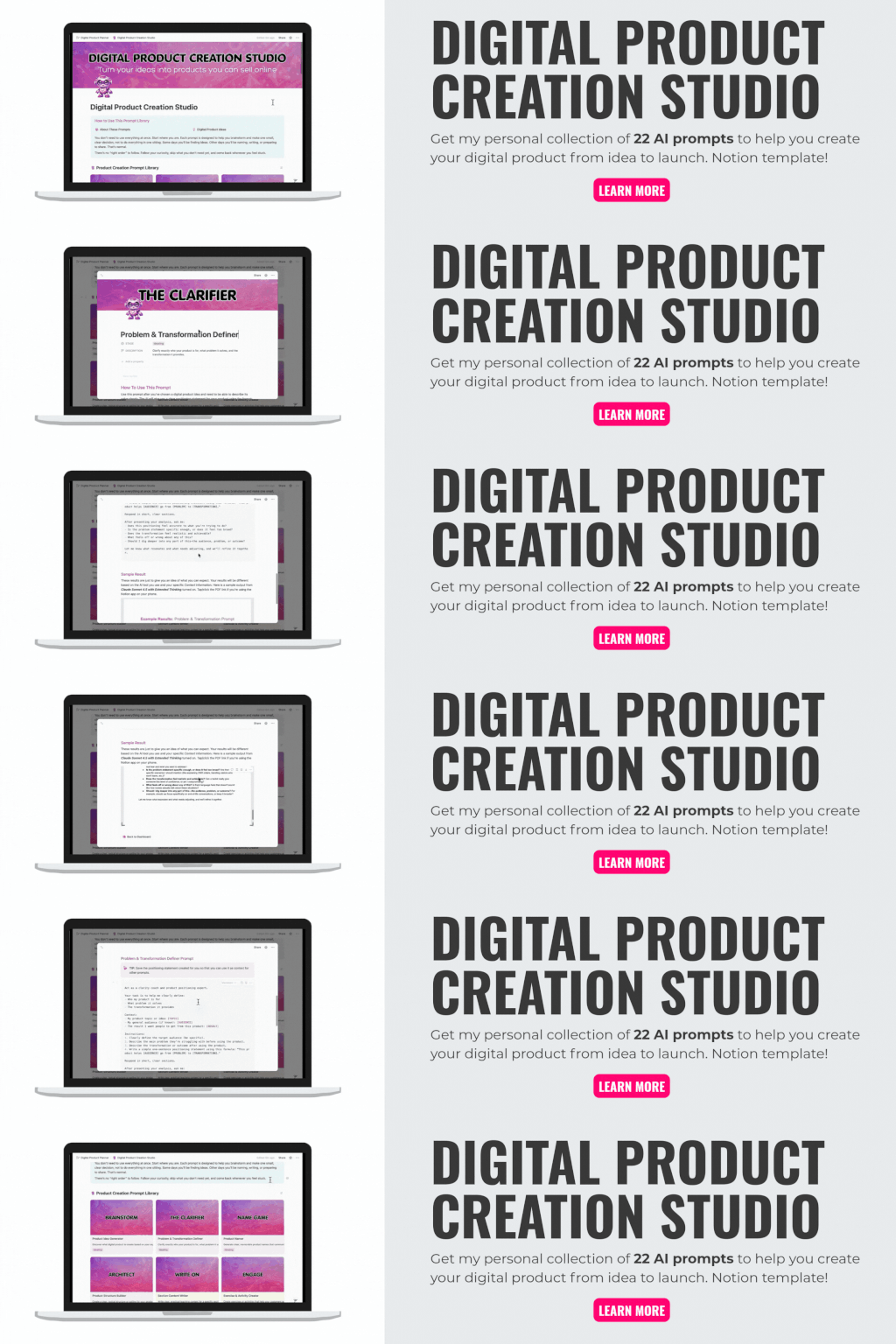
Creating accessible digital products is important – but it’s just one piece of the puzzle. If you want my complete, personal collection of tested, refined prompts that walk you through each phase of product creation, I’ve put together a very special AI prompt library called the Digital Product Creation Studio!
Inside the Digital Product Creation Studio you’ll find prompts for ideating your product and choosing the right format, building content structure that makes sense, creating exercises and worksheets, writing sales copy that feels authentic, pricing your work confidently, and much more.
Each prompt includes clear instructions and examples, so you know exactly what to tell AI and what to do with the results. You’ll learn to create digital products with AI faster and with more confidence.
Get instant access to the Digital Product Creation Studio
Have any questions about this post? Please contact me.